Featured · New in 3.0
FluentAuth 3.0 is here
Meet FluentAuth 3.0: passkeys, authenticator apps, a redesigned admin, expanded security tools and a new website.
Read the announcement →Login-security guides, passwordless how-tos and release notes for people who run WordPress sites.
Meet FluentAuth 3.0: passkeys, authenticator apps, a redesigned admin, expanded security tools and a new website.
Read the announcement →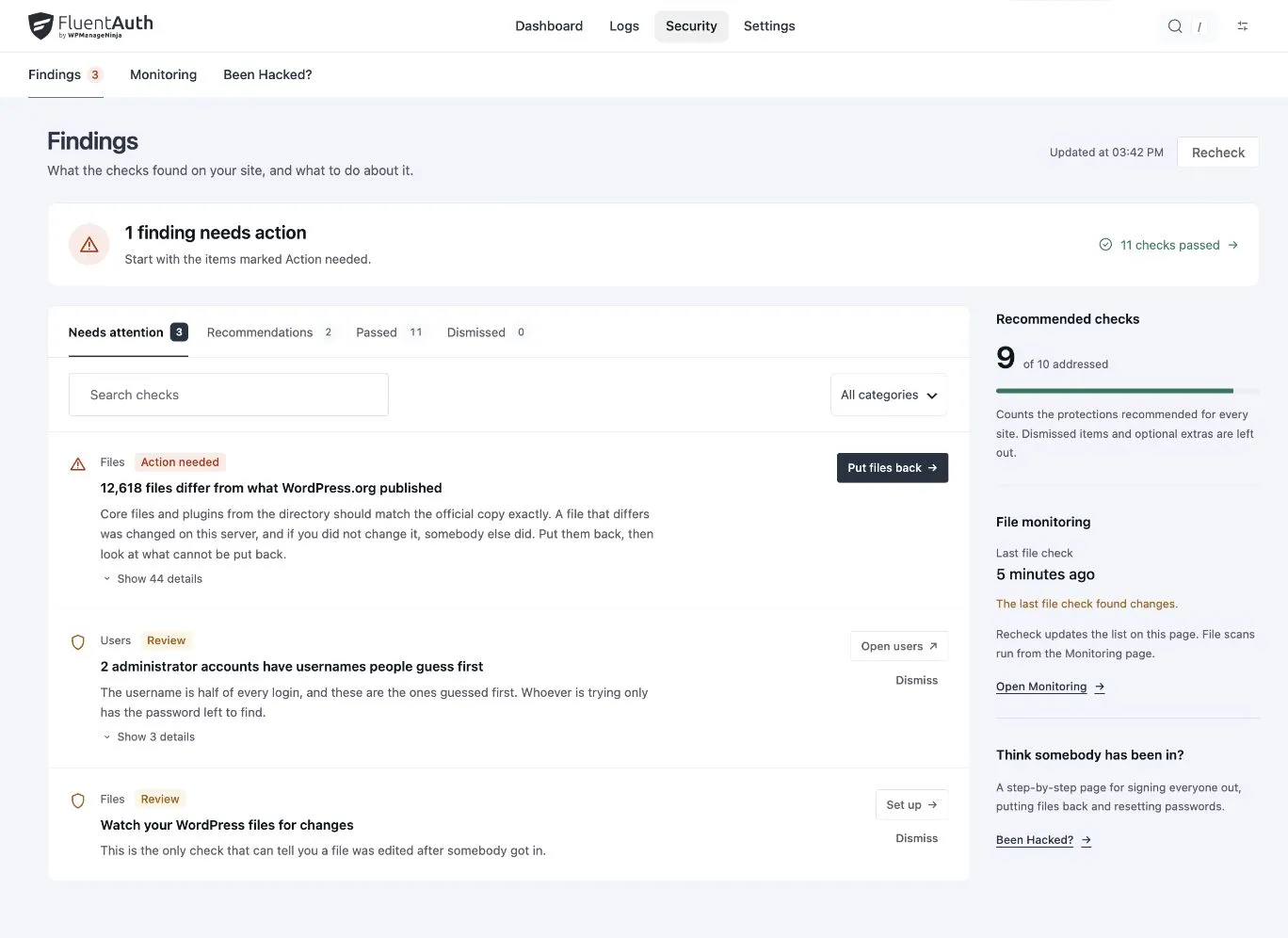 Agency
Review account ownership, permissions and verification so old projects do not leave unnecessary access behind.
 Tutorials
Use your logo, welcome copy and colours, then connect the login experience with redirects and branded emails.
 Releases
Meet FluentAuth 3.0: passkeys, authenticator apps, a redesigned admin, expanded security tools and a new website.
 Tutorials
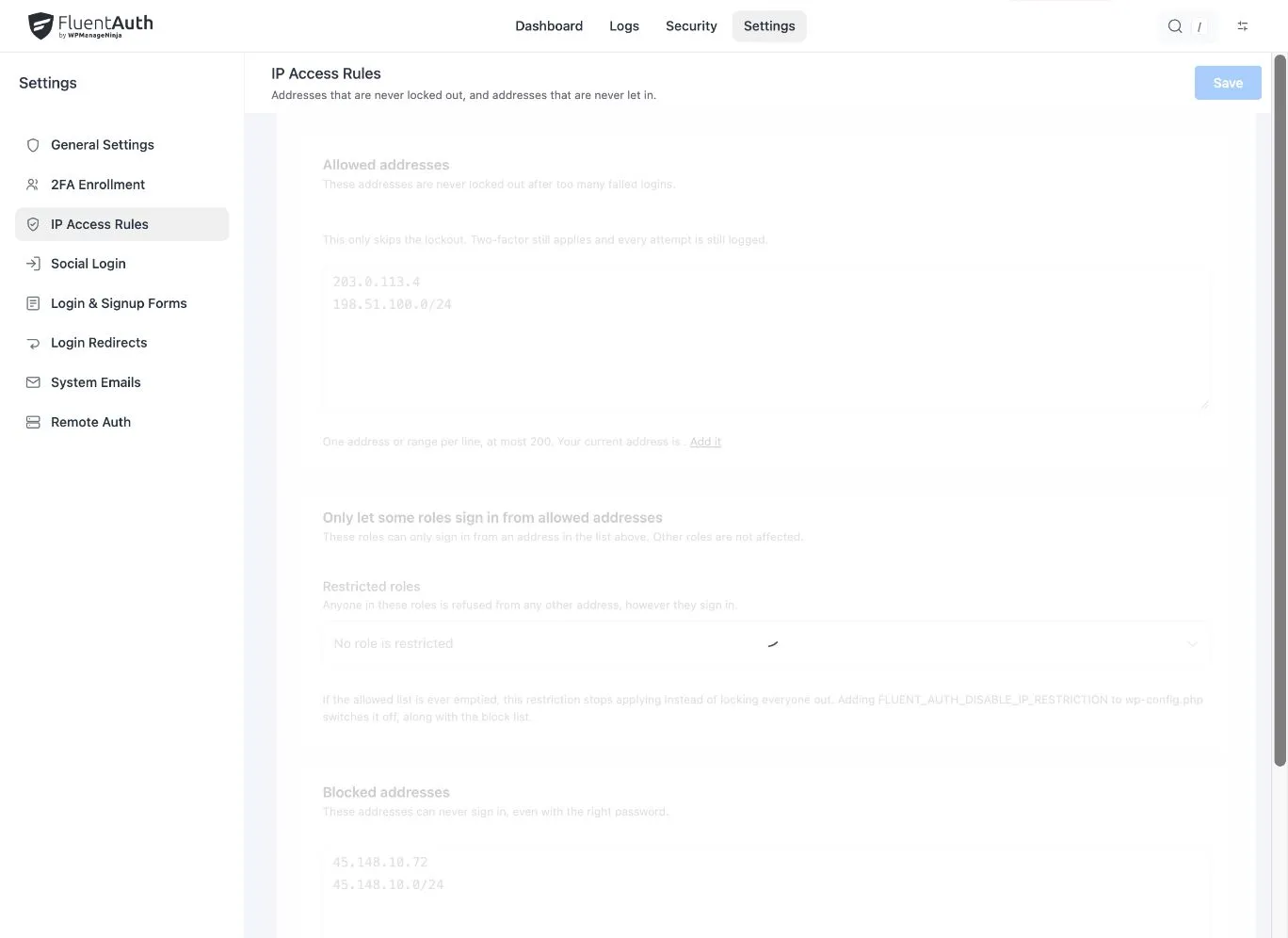
Identify an attempt limit, an IP rule or a missing second factor, then recover access with the smallest necessary change.
 Security
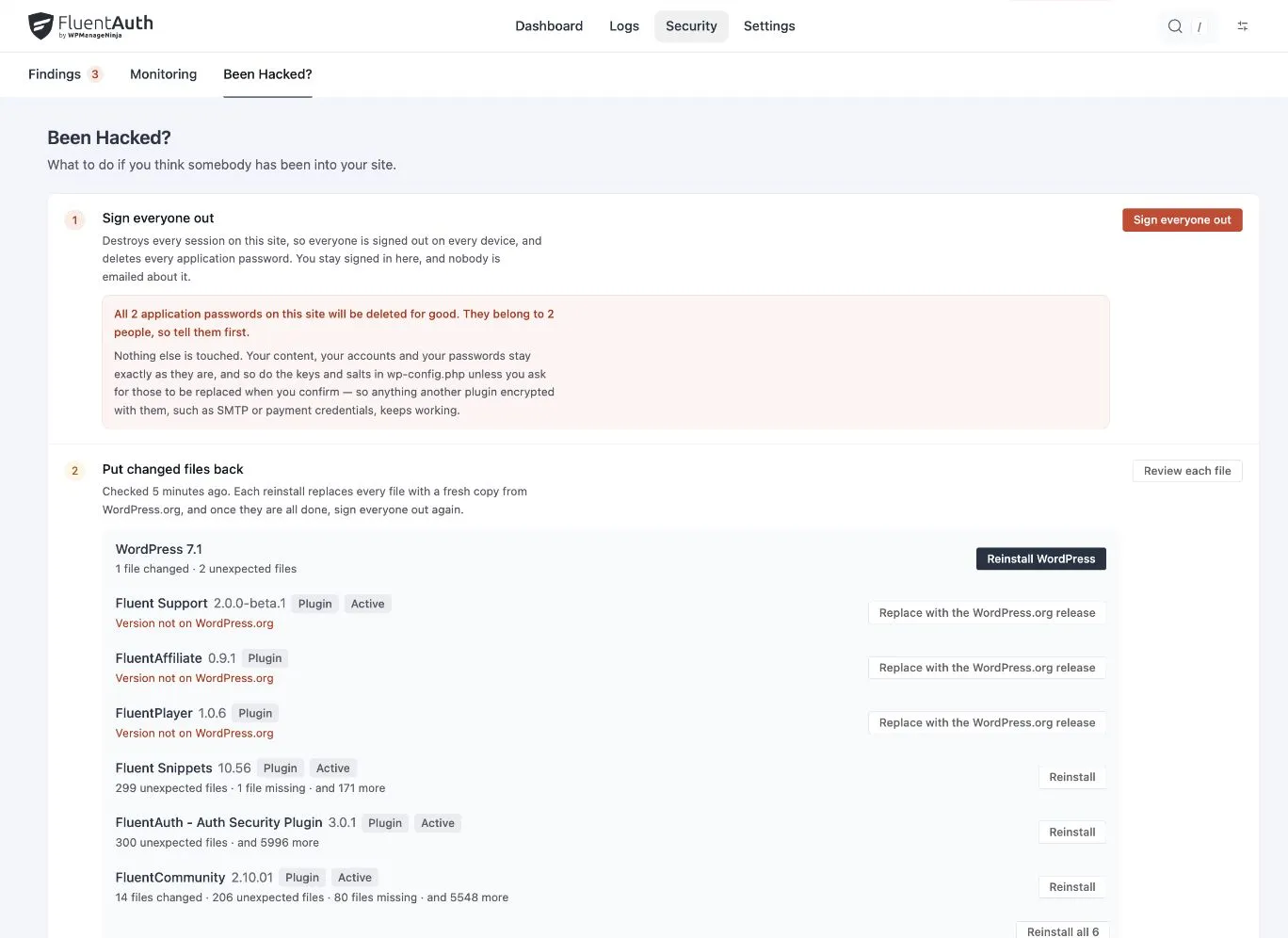
Understand modified, extra and unverified files before restoring anything. A practical workflow for FluentAuth monitoring.
 Security
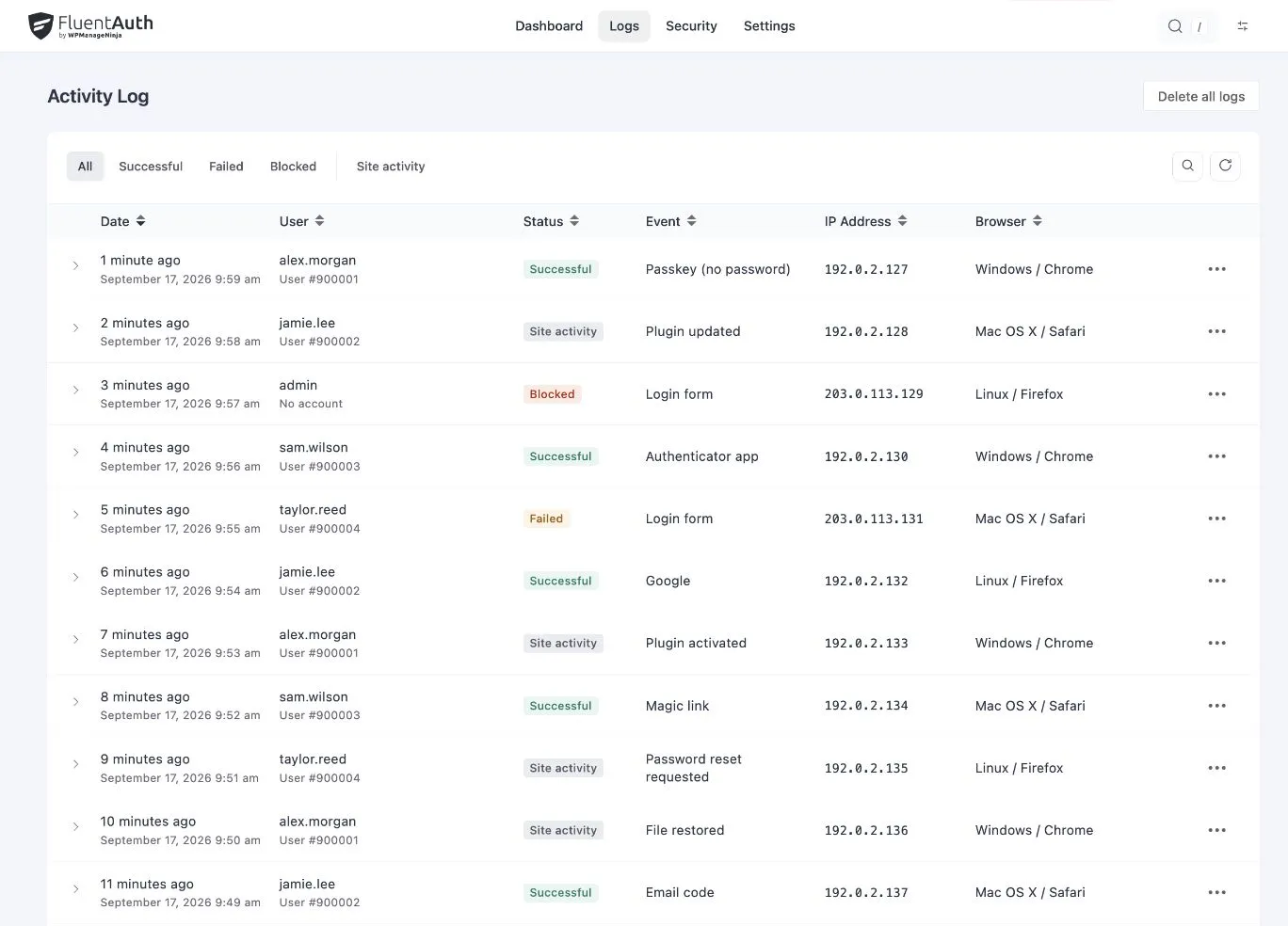
Turn failed attempts, blocked addresses and unfamiliar sign-ins into a practical investigation with FluentAuth's activity log.
 Security
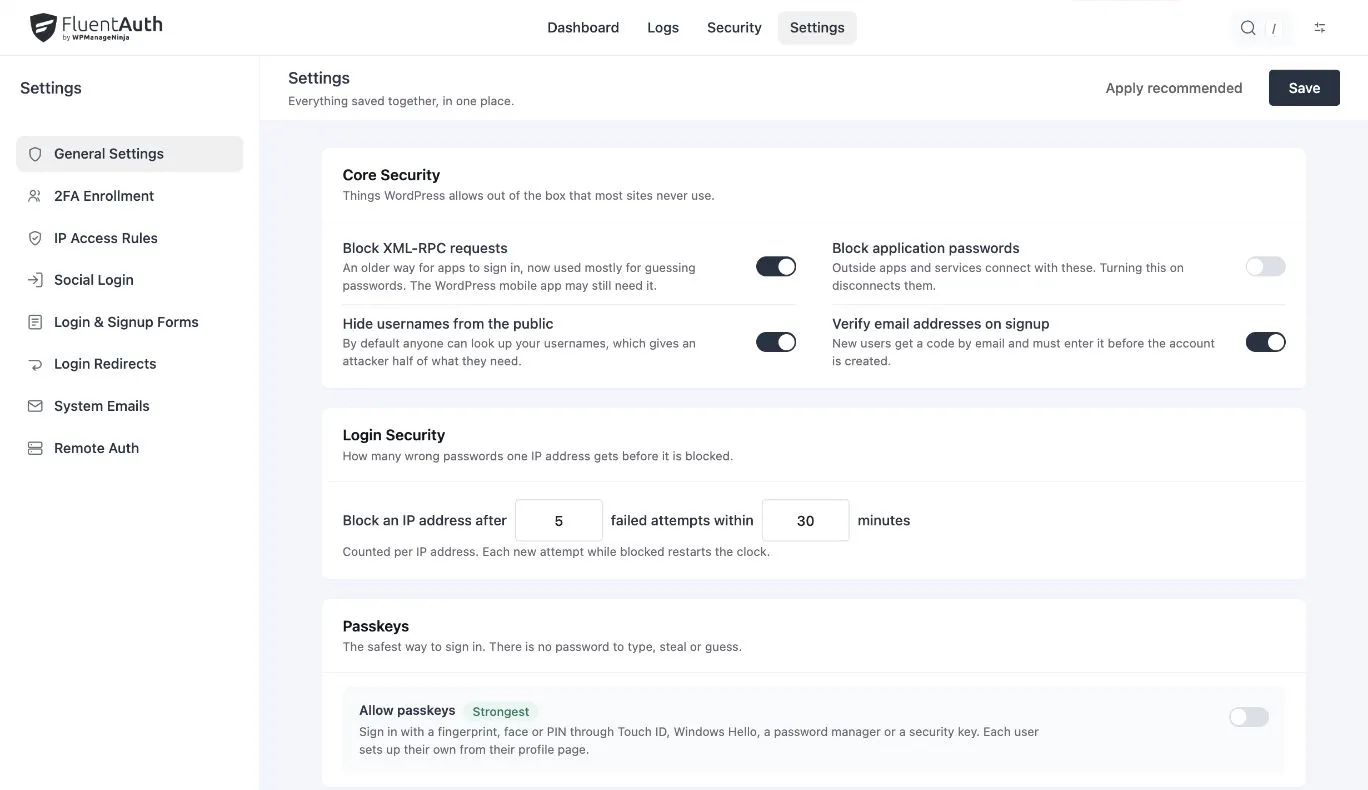
Review the credentials behind integrations and understand what FluentAuth blocks or revokes before changing them.
 Security
Preserve useful evidence, contain account access and investigate files before deciding that recovery is complete.
SecurityChoose a sensible attempt limit, understand shared addresses and pair brute-force protection with stronger account verification.
 Agency
Choose protection by role, help members sign in and give your team a clear way to review activity. A practical FluentAuth rollout for an existing site.
 Tutorials
Enable passkeys by role, register your device and keep a recovery route before relying on device verification.
 Security
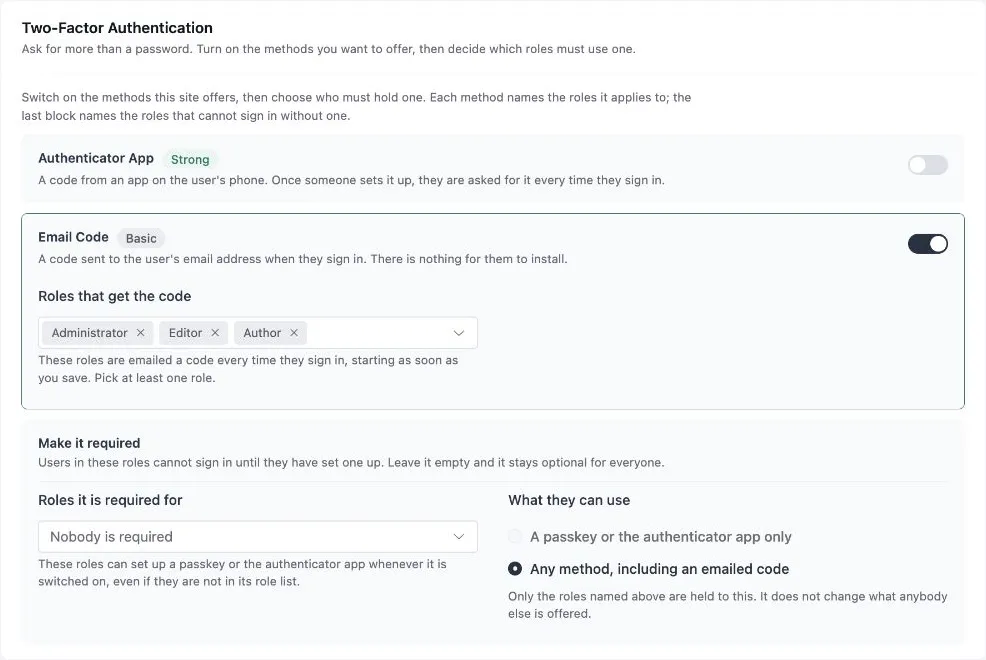
Help your team recognise suspicious sign-in requests and understand where passkeys, email and recovery fit.
TutorialsChoose who receives login alerts, use digests for routine review and build a response plan that keeps useful notifications from being ignored.
 Security
Review privileged accounts, login protections, exposed files and monitoring with FluentAuth.
SecurityUnderstand sessions, application credentials and password-reset requests before using FluentAuth recovery tools.
SecurityUnderstand what XML-RPC does, what FluentAuth changes and how to test connected services before restricting it.
 Passwordless
Password resets are where members give up. Give them a magic link or a Google button instead, and keep the password and the second factor for the people who run the site.
 Tutorials
A stolen password should not be enough. Turn on a second factor for administrators in five minutes, by email or with an authenticator app, and know what to do when someone loses their phone.
 Releases
The 2.1 releases add Google One-Tap sign-in, a round of security hardening across the REST endpoints, timezone-correct stats, and a long list of fixes.
 Security
Most WordPress sites get broken into through the login page, and the plugins that guard it were slow, nagging or paid. So we built one that is none of those.
No articles in this category yet.
Install FluentAuth free, or read the getting-started guide first.