- 01Choose a provider
- 02Continue with your account
- 03Back on your site
Choose Google, GitHub or Facebook to sign in using an account you already have.
Offer Google, GitHub and Facebook sign-in, with Google One Tap for an additional way to enter your site.
Available in the current release.
Choose Google, GitHub or Facebook, continue with your signed-in account, and arrive back on your site.
Sign in to your WordPress site.
You’re already signed in to Google.
Your Google account is verified.
You’re logged in with Google.
Choose Google, GitHub or Facebook to sign in using an account you already have.
Members may arrive ready to read a course, join a discussion or open their account, then get stuck at login. A familiar provider account gives them another way to return.
The provider handles its account authentication and FluentAuth receives the result through the configured OAuth flow. Your site does not need the user’s Google, GitHub or Facebook password. Required device verification still applies on your site.
A shorter route back for returning members, with your site’s account and verification rules still in place.
Get FluentAuth →Available in the current release.
Follow the setup guide →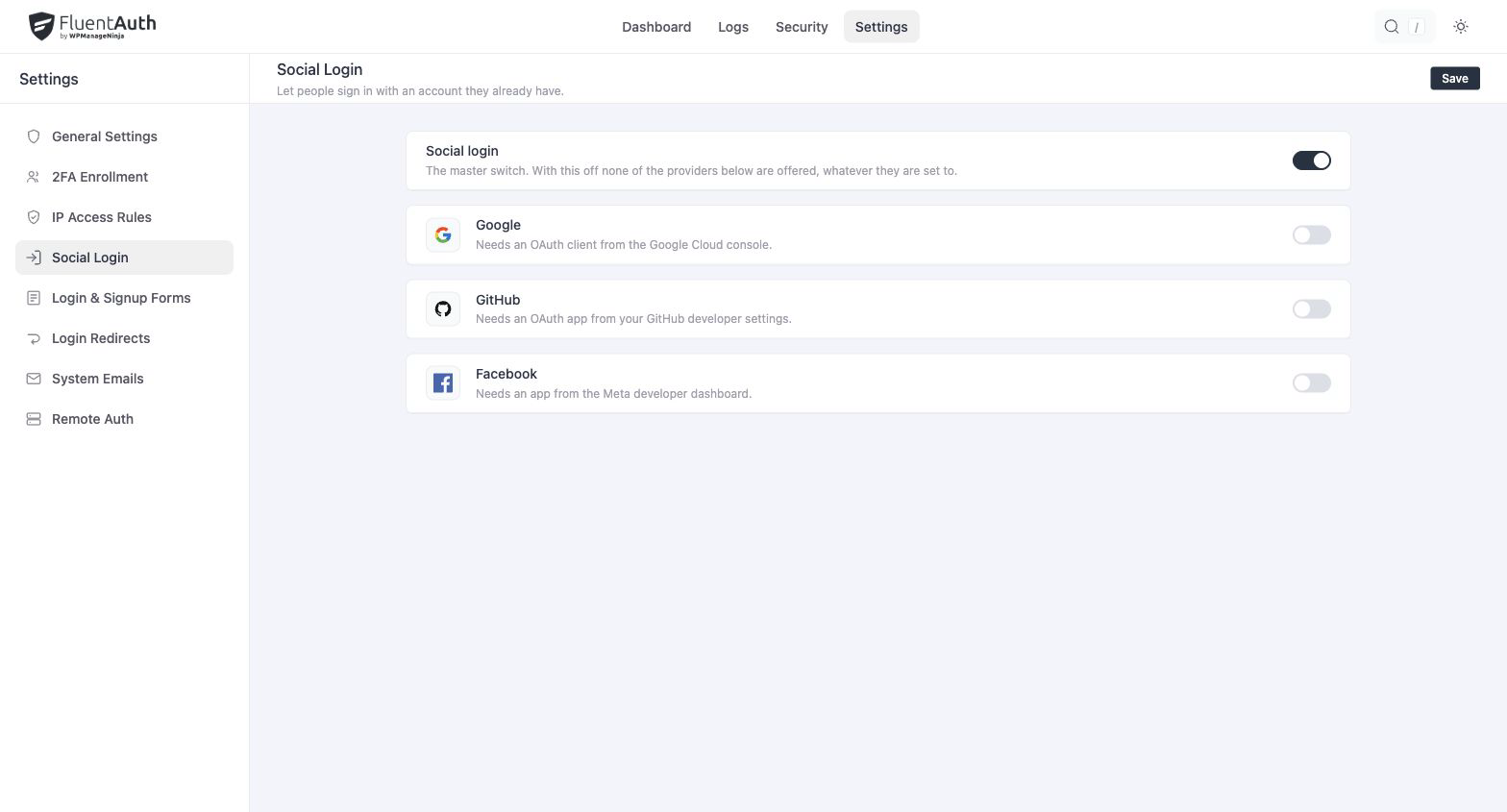
Google One Tap adds a Google account prompt where you choose to display it. Its appearance also depends on the browser, the visitor’s Google session and provider behaviour.
GitHub can suit a developer community. Google may be familiar to a team or course audience. Keep the usual sign-in and recovery routes easy to find for people who cannot use a provider.
A required device factor still applies. Test your role policies with each enabled provider, along with account matching and registration settings, before inviting members to use the new flow.
For provider-specific instructions, see Google, GitHub, Facebook and Google One Tap.
Connect the providers your audience uses and test returning-user and registration journeys.