Audit WordPress administrator access before it becomes a problem
Review account ownership, permissions and verification so old projects do not leave unnecessary access behind.
A contractor finishes a project, an editor changes responsibilities and an agency hands over a site. Their accounts can outlive the work that justified them. A regular access review keeps that history from quietly becoming your current security policy.
Start with administrators because they can make broad changes to the site. The goal is to know who controls each account, why the access is necessary and how the person proves their identity.
Assign an owner to every privileged account
Open Users → All Users in WordPress and review the administrators. Match each account to a person or documented operational purpose. Check the contact address with the owner and investigate accounts nobody recognises.
Keep this review factual. An unfamiliar name is a reason to ask questions, not proof of a compromise. A long-standing account is not automatically necessary simply because it has always been there.
A small review record can contain the account name, owner, reason for access, reviewer and next review date. Do not include passwords, recovery codes or other secrets.
Match permissions to the actual work
WordPress roles grant capabilities. Its roles and capabilities reference explains the standard roles; plugins can add roles and alter permissions. Check the site’s actual configuration before changing someone’s access.
For example, a person who only prepares articles may not need permission to install plugins. A maintenance account may have a valid need for broader access during a project, but the project should have an end-of-access decision.
| Account situation | Decision to make |
|---|---|
| Current maintainer | Confirm the required permissions and verification method |
| Person with changed responsibilities | Adjust access after checking their current workflow |
| Completed contractor project | Agree when privileged access should end |
| Unknown administrator | Investigate promptly with the site owner |
Before deleting an account, review content ownership and any integration that depends on it. A role change or account removal can have effects beyond the login screen.
Check enrolment, not only the setting
Enabling a verification method does not mean every eligible user has prepared it. FluentAuth’s enrolment controls help you review registered device methods. Start with the people who can change code, settings and other accounts.
Have each person enrol their own authenticator or passkey and prepare a recovery route. Test the real login journey before applying a wider requirement. The two-factor guide explains the distinction between roles allowed to enrol and roles required to enrol.
Use findings and logs as supporting evidence
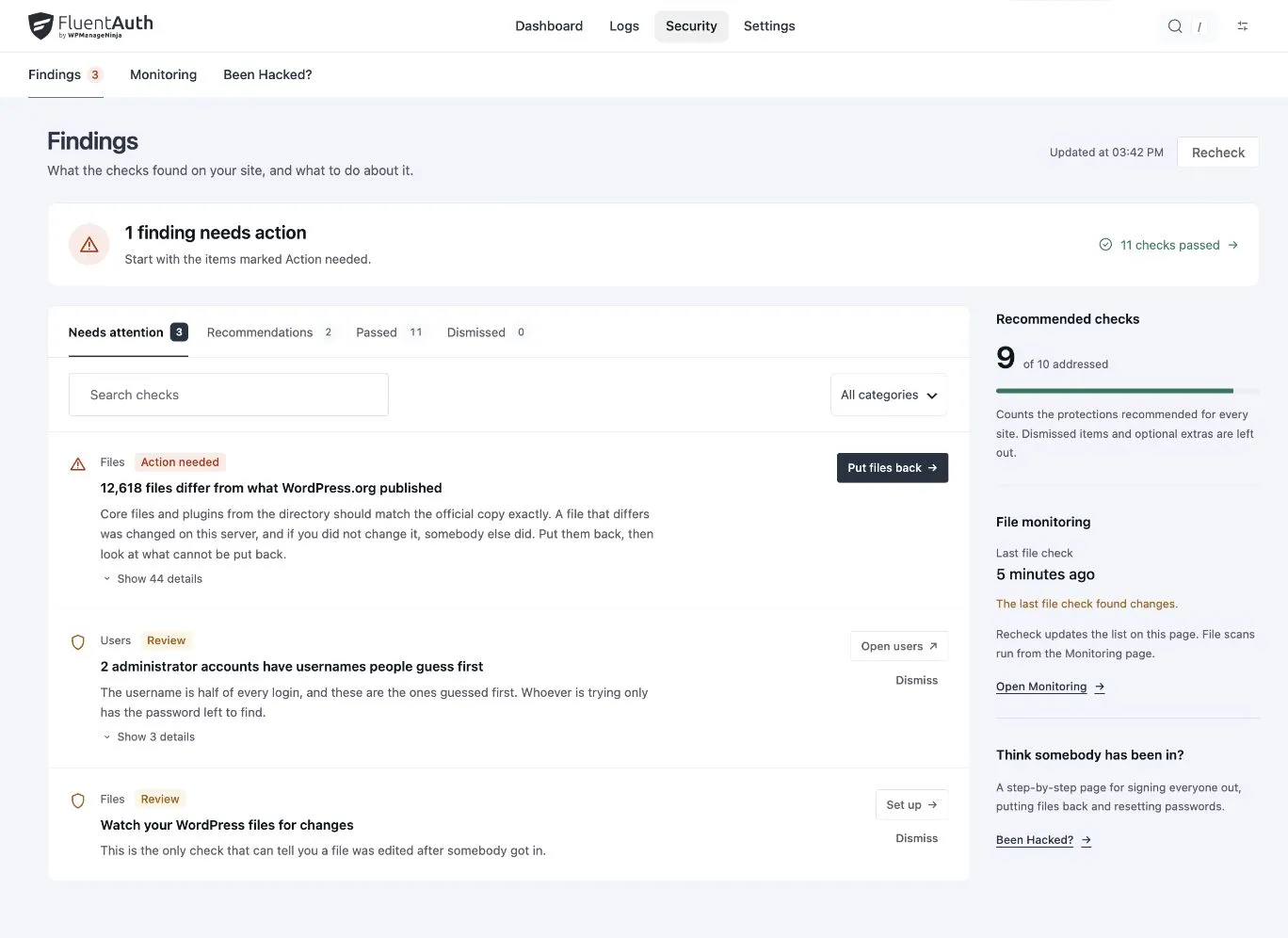
The security checklist can flag dormant administrators and other account concerns. Review the context before deciding whether an account is needed. A rarely used emergency account may require different handling from a forgotten contractor account.
Login activity can help you investigate an account’s use, subject to the recorded events and retention period. It is not a complete record of the person’s work or a substitute for asking the owner.
Make project handover include access
At handover, confirm the site’s current owners, the recovery contact and which integrations remain necessary. Remove access that is no longer authorised through the normal administrative process, then test the owner’s login and required workflows.
Use the team login policy guide to turn those decisions into an ongoing process. An access review should finish with clear ownership and tested access for the people doing the work now.