Passwordless login for WordPress membership sites
Password resets are where members give up. Give them a magic link or a Google button instead, and keep the password and the second factor for the people who run the site.
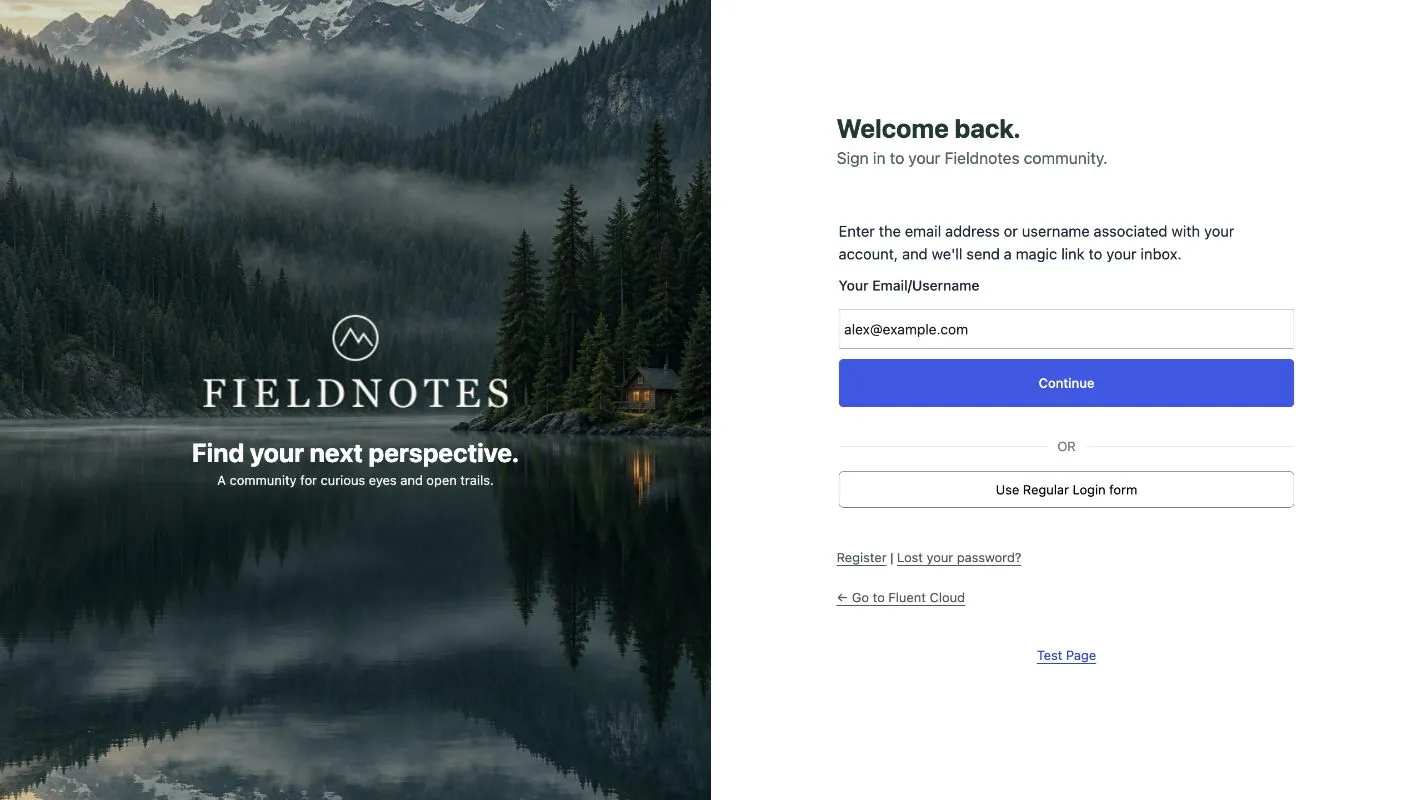
Look at the support inbox of any membership, course or community site and one subject line dominates: “I can’t log in.” Not hacked, not broken. Forgotten. The member set a password six months ago, the reset email went to spam, and now they are writing to you instead of watching the lesson they paid for.
The fix is not a better password policy. It is fewer passwords.
Two ways to sign in without one
A magic link. The member types their email address, receives a link, clicks it, and is signed in. No password to remember and none to reset. The link works once and expires after ten minutes.
A social account. The member clicks Continue with Google and is signed in with the account already open in their browser. On a phone, Google One-Tap makes this a single tap on a prompt in the corner of the page.
Both prove the same thing a password reset proves, control of the email address, without the detour through the inbox and the spam folder. FluentAuth ships both.
Setting up magic login
FluentAuth → Settings → General → Magic Login, turn it on. That is the whole setup for
wp-login.php; the form appears under the password form.
Two settings are worth a look:
- Roles that cannot use it. Add Administrator. The people who run the site should keep a password and a second factor; magic links are for members.
- Show the link form first. On a members-only site, turn this on. The email form is shown first and the password form sits behind a link, which is the right order when most people will never set a password.
For a custom login page, drop the shortcode on it:
[fluent_auth_magic_login]
  <h3>Sign in to your account</h3>
[/fluent_auth_magic_login]
Setting up Google sign-in
Google needs an OAuth client, which is ten minutes in the Google Cloud console and free. The
step-by-step guide walks through it, including the one error
everyone hits (the redirect URI has to match the login URL exactly, https and www
included).
Once the client ID and secret are in place, turn on Google One-Tap as well. It shows the floating prompt to visitors who are signed in to Google in their browser. Returning members sign in without touching the form.
GitHub and Facebook set up the same way; GitHub suits developer communities, Facebook suits consumer ones.
Signup without a form
With Anyone can register on in WordPress, a first-time Google login creates the account: name and email from Google, the site’s default role, done. No signup form, no verification email, no “username already taken”. If registration is closed, a new visitor is told to contact you and no account is created.
Where members land afterwards
Nobody who paid for a course should see the WordPress dashboard. Two settings handle that:
- Core Security → Keep these roles out of wp-admin: add your member roles. The admin bar disappears for them and the dashboard redirects to the site.
- Login Redirects: a rule sending those roles to
/accountor/coursesafter login, and to the front page after logout.
What does not change
Every login still passes the same checks. The attempt limit is not involved, since there is no password to guess, but IP rules and the second factor apply if the role requires them, and the audit log records the login with its method, so you can see how many members use links and how many use Google.
The result
Fewer tickets, and the ones that remain are about the product rather than the door. On the sites we have watched switch, “I can’t log in” drops from the top of the inbox to the bottom within a month. The magic login and social login docs have every setting.