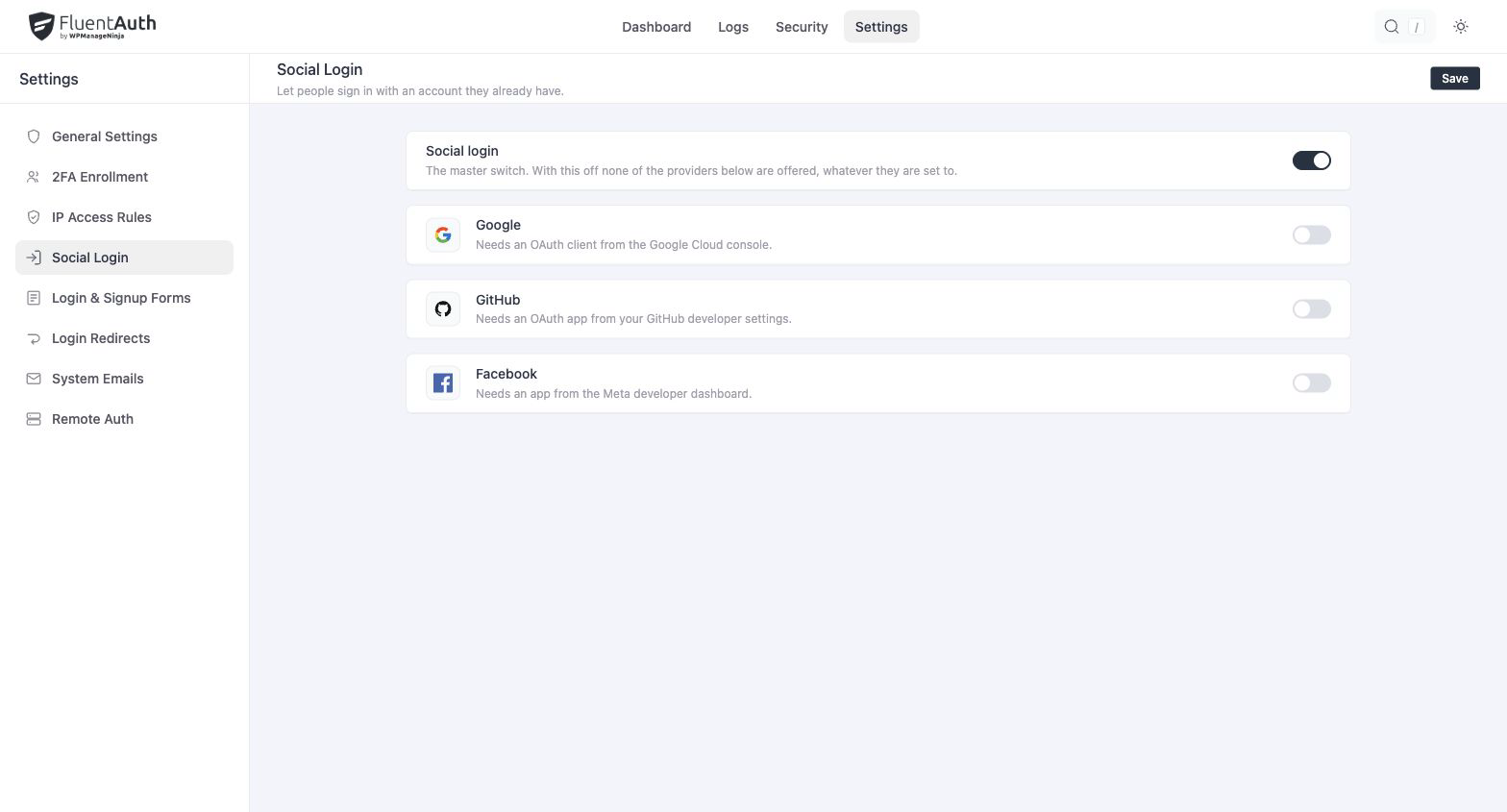
Social login lets a visitor sign in, or create an account, with a Google, GitHub or Facebook account instead of a password. FluentAuth ships all three providers and Google One-Tap; there is nothing extra to install.
Setting up a provider
Each provider needs an OAuth app on its side, which gives you a client ID and secret. The steps differ per provider and each has its own page:
Then, under Settings → Social Login, turn on Social login and the provider, and enter the credentials.
Where to keep the credentials
Each provider has a Credential storage choice:
| Choice | Where the ID and secret live |
|---|---|
| Database | In the plugin’s settings, editable on the screen |
| wp-config.php (recommended) | In constants you add to wp-config.php; the screen shows which ones and hides the fields |
The constants:
define('FLUENT_AUTH_GOOGLE_CLIENT_ID', '…');
define('FLUENT_AUTH_GOOGLE_CLIENT_SECRET', '…');

define('FLUENT_AUTH_GITHUB_CLIENT_ID', '…');
define('FLUENT_AUTH_GITHUB_CLIENT_SECRET', '…');

define('FLUENT_AUTH_FACEBOOK_CLIENT_ID', '…');
define('FLUENT_AUTH_FACEBOOK_CLIENT_SECRET', '…');
The file is not readable over the web and is not in your database backups, which is why it is the recommended choice. A constant, when present, wins over anything saved on the screen.
Where the buttons appear
- Under the login and registration forms on
wp-login.php. - Inside FluentAuth’s own shortcode forms.
- On Fluent Support’s registration form, when Fluent Support is installed.
- Anywhere you place
[fs_auth_buttons].
Signup through a provider
If Settings → General Settings → Membership → Anyone can register is off in WordPress, a social login only works for accounts that already exist; a new visitor is told to contact you. When registration is on, a first-time social login creates an account with the provider’s email and name, assigned the site’s default role.
What still applies
A social login is a login. The attempt limit is not involved, since there is no password to guess, but the user’s second factor, IP rules and redirect rules all apply, and the login is recorded in the audit log with the provider as its method.
Every provider round-trip is protected by a state token that expires after 15 minutes, so a callback URL cannot be replayed.
Redirect URL
Every provider asks for the URL it may send users back to. For all three it is:
https://example.com/wp-login.phpwith your own domain. GitHub and Facebook also accept the longer form the settings screen shows,
which includes the provider name as a query string. If you have moved the login page, the
FLUENT_AUTH_SOCIAL_REDIRECT_URL constant overrides the path.